Flatten PDF
Lock a PDF's form fields and content so the document can no longer be edited.
Processed in your browser, nothing uploaded
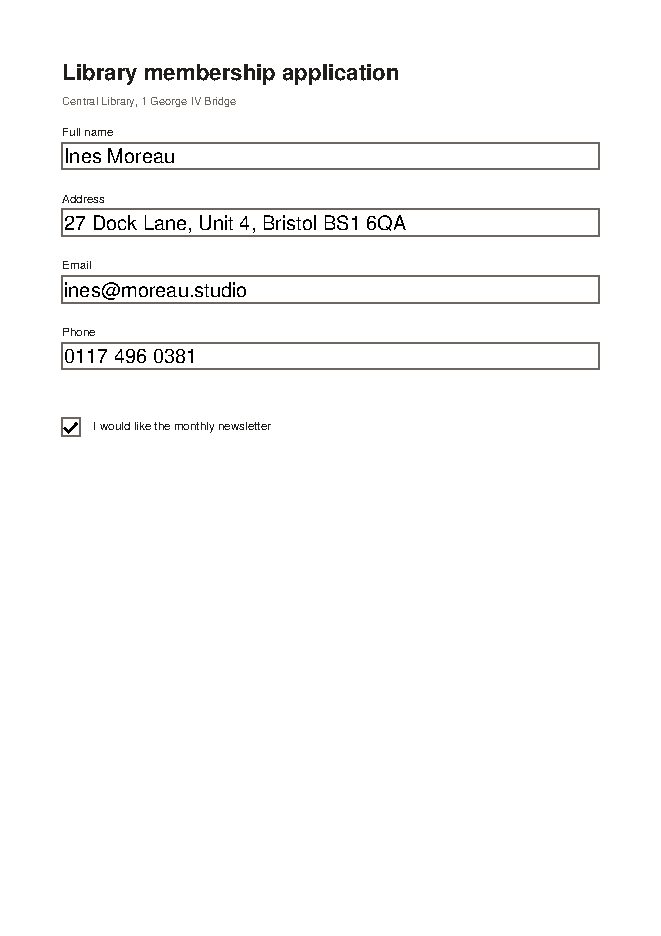
or drop files here
PDF · 1 file · processed in your browser, nothing uploaded
How to use Flatten PDF
- Select one PDF file or drop it on this page.
- Choose a method: Lock form fields only or Turn every page into an image.
- Click “Flatten PDF”.
- Download the flattened PDF.
Frequently asked questions
How do the two methods differ?
In Flatten PDF, Lock form fields only bakes the field values into the page and removes the fields, while the text stays selectable and searchable. Turn every page into an image converts each whole page into a picture, which also blocks text selection and editing.
Does turning pages into images lower the quality?
Flatten PDF's Turn every page into an image draws pages at 144 dpi. That is enough for screens and everyday printing, but very small text or enlarged prints may look softer than the original, and the file may get larger.
Can I undo flattening?
No. The form fields and original text can't be recovered from a Flatten PDF result. Keep the original file separately so you can make changes later.
Is it free?
Yes. Use it free in your web browser, with no sign-up or software to install.
Are my files stored on a server?
No. This tool runs inside your browser, so your file is never sent to a server and never leaves your device.
Which files can I use?
You can add one PDF file at a time.